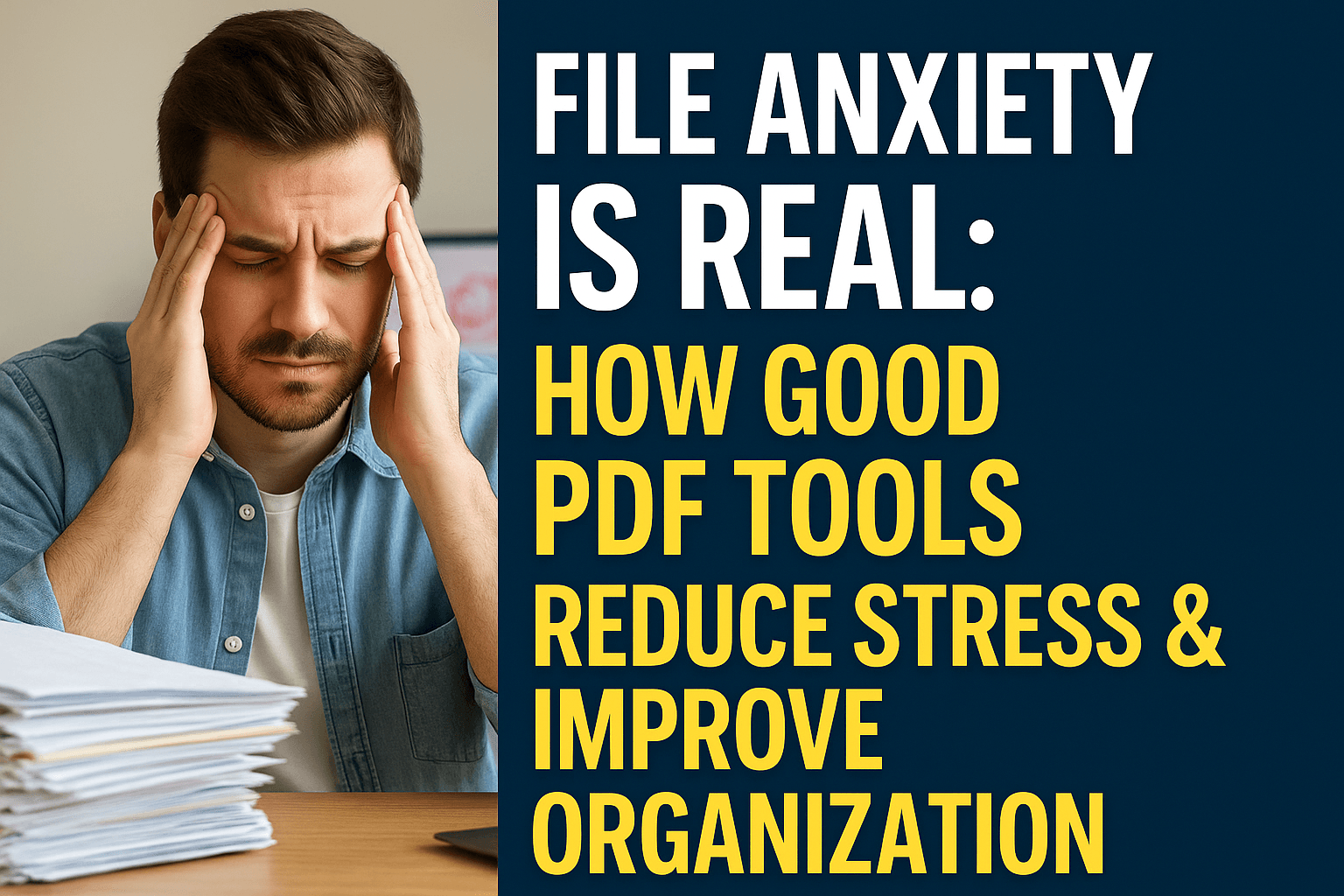
File Anxiety Is Real: How Good PDF Tools Reduce Stress & Improve Organization
File anxiety affects millions of people struggling with digital document chaos. Learn how effective PDF tools can reduce stress, improve organization, and help you regain control of your digital workspace.
Share this article
File Anxiety Is Real: How Good PDF Tools Reduce Stress & Improve Organization
You know that feeling when you're looking for a document and you can't find it? Your heart starts racing a little, you feel that tightness in your chest, and you start thinking "I know I saved it somewhere..." That's file anxiety, and it's a real thing.
I used to think I was the only one who felt stressed about my digital files. But after talking to hundreds of people about this, I've learned that file anxiety is incredibly common. It's that overwhelming feeling you get when you're drowning in documents, can't find what you need, and don't know where to start organizing.
The good news? It doesn't have to be this way. Good PDF tools can actually help reduce this stress and make your digital life way more manageable.
What File Anxiety Actually Feels Like
Let me paint a picture you might recognize. You're working on something important, and you need a document you saved last week. You open your Documents folder and see... chaos. Files everywhere. Some named "Document1.pdf", others named "Final_Final_ReallyFinal.pdf", and you have no idea which one is actually the one you need.
Your stress level goes up. You start clicking through folders randomly, opening files hoping one of them is the right one. Time is ticking, and you're getting more frustrated by the minute.
That's file anxiety. It's not just about being disorganized—it's about feeling out of control, overwhelmed, and stressed about something that should be simple.
According to research on digital file management, this kind of stress is incredibly common. People spend an average of 20 minutes per day just looking for files. That's over 2 hours per week, or about 100 hours per year, wasted on searching for documents.
Why File Anxiety Happens
There are a few reasons why file anxiety is so common:
Too Many Files, Not Enough System
Most of us create way more digital documents than we realize. Emails, downloads, work files, personal documents—they all pile up. Without a good system for organizing them, you end up with hundreds or thousands of files scattered everywhere.
Version Control Nightmares
How many times have you had multiple versions of the same document? "Draft1.pdf", "Draft2.pdf", "Final.pdf", "Final_Updated.pdf", "Final_Updated_v2.pdf"... You end up with no idea which one is actually the current version.
The Search Problem
Even when you know roughly where a file should be, finding it can be a nightmare. File names don't always make sense, folders get nested too deep, and before you know it, you're spending 15 minutes looking for something that should take 15 seconds.
The Overwhelm Factor
When you look at a folder with 200 files in it, your brain just shuts down. It's too much to process. So you avoid organizing it, which makes it worse, which increases your stress. It's a vicious cycle.
How File Anxiety Affects Your Work
This isn't just about feeling stressed—file anxiety actually hurts your productivity and your work quality.
Time Loss: As I mentioned, people waste hours every week just looking for files. That's time you could be spending on actual work.
Decision Paralysis: When you have 10 versions of the same document, you spend time trying to figure out which one to use instead of just using the right one.
Missed Deadlines: Can't find the file you need? That deadline you thought you had plenty of time for suddenly becomes a problem.
Quality Issues: When you're stressed and rushing to find files, you're more likely to make mistakes. You might send the wrong version, miss important information, or forget to include something.
Mental Exhaustion: Constantly dealing with file chaos is mentally draining. It wears you down, makes you less creative, and makes work feel harder than it should.
How Good PDF Tools Actually Help
Here's where good PDF tools make a real difference. They don't just help you work with PDFs—they help you regain control of your digital workspace.
Centralized Organization
Instead of having PDFs scattered across your computer, email, cloud storage, and who knows where else, good PDF tools let you bring everything together. You can merge related documents, organize them logically, and create a system that actually makes sense.
When everything is in one place and organized, you know where to look. That alone cuts your search time way down.
Quick File Location
Good PDF tools help you find files faster. Whether it's through better organization, search capabilities, or just having everything in a logical structure, you spend less time hunting and more time working.
Version Control Made Simple
Instead of having 10 versions of the same document floating around, you can merge them, organize them, or create a clear system for which version is current. No more guessing which "Final" is actually final.
Reduced Cognitive Load
When your files are organized, your brain doesn't have to work as hard. You're not constantly trying to remember where things are or what version you need. That mental energy gets freed up for actual work.
Real Strategies That Work
Let me share some strategies that actually help reduce file anxiety:
Strategy 1: Consolidate Related Files
Instead of having 15 separate PDFs for one project, merge them into organized documents. Create one file for all your research, one for all your drafts, one for your final deliverables. Suddenly, instead of managing 15 files, you're managing 3.
This is where PDF merging tools really shine. You can combine related documents into logical groups, which makes everything easier to find and manage.
Strategy 2: Create a Naming System
This sounds simple, but it makes a huge difference. Instead of "Document1.pdf", use names like "ProjectName_Type_Date.pdf". For example, "WebsiteRedesign_Proposal_2025-12.pdf".
When you have a consistent naming system, you can find files quickly just by looking at the name. No more opening 10 files to find the right one.
Strategy 3: Compress and Optimize
Large files are harder to manage. They take longer to open, they're harder to share, and they clutter up your storage. Good PDF compression tools let you reduce file sizes without losing quality, which makes everything more manageable.
Strategy 4: Organize by Project or Topic
Instead of organizing by date or file type, organize by project or topic. All files related to "Website Redesign" go in one place. All files related to "Tax Documents 2025" go in another.
This way, when you need something, you know exactly where to look.
The Psychological Benefits of Organization
Here's something people don't talk about enough: being organized actually makes you feel better. When your digital workspace is organized, you feel more in control. You feel less stressed. You feel more capable.
There's actual research on this. Studies on workspace organization show that people with organized workspaces are less stressed, more productive, and make fewer mistakes. The same principle applies to your digital files.
When you know where everything is, you're not constantly worried about losing something or missing a deadline because you can't find a file. That peace of mind is worth a lot.
How PDFMagical Specifically Helps
Let me talk about how PDFMagical addresses file anxiety specifically:
Merge for Organization
Instead of having dozens of separate PDFs, you can merge related documents into organized files. All your project documents in one place. All your research in another. This reduces the number of files you need to manage and makes everything easier to find.
Compress for Manageability
Large files are stressful. They're slow, they're hard to share, and they take up space. PDFMagical's compression tools let you reduce file sizes without losing quality, making your files easier to work with.
Organize for Clarity
The organize tool lets you arrange pages, remove unnecessary content, and create documents that make sense. Instead of a chaotic collection of pages, you get organized, logical documents.
Convert for Consistency
When you have files in different formats, it's hard to keep track of everything. Converting everything to PDF creates consistency, which makes organization easier.
Real Stories from People Who Overcame File Anxiety
I've talked to a lot of people who've used PDF tools to get their file anxiety under control. Here are a few stories:
Sarah's Story
Sarah was a freelance writer who had hundreds of PDFs scattered across her computer. She'd spend 20-30 minutes every day just looking for files. After using PDFMagical to merge related documents and organize her projects, she cut that time down to about 5 minutes. "I didn't realize how much stress I was carrying around until it was gone," she told me.
Mike's Story
Mike worked in sales and had to manage proposals, contracts, and client documents. He was constantly stressed about sending the wrong version or not being able to find something when a client asked. After organizing everything with PDFMagical, he said, "I actually look forward to working with my files now instead of dreading it."
Lisa's Story
Lisa was a student juggling multiple classes, each with dozens of PDF documents. She was constantly losing track of assignments and research papers. After using PDFMagical to organize everything by class and merge related documents, she said, "I went from feeling completely overwhelmed to feeling like I actually had control over my work."
Practical Steps to Reduce Your File Anxiety
If you're dealing with file anxiety, here's a practical approach:
Step 1: Assess the Situation
Take a look at your files. How many PDFs do you have? Where are they? How disorganized are they? Be honest with yourself about the scope of the problem.
Step 2: Start Small
Don't try to organize everything at once. Pick one project or one area and start there. Maybe it's your work documents, or your personal files, or files from one specific project.
Step 3: Use the Right Tools
Get yourself a good PDF tool that can help you merge, organize, compress, and manage your files. PDFMagical is designed specifically for this kind of work.
Step 4: Create a System
Decide on a naming convention and folder structure that makes sense for you. Then stick to it. Consistency is key.
Step 5: Maintain It
Organization isn't a one-time thing. Spend a few minutes each week maintaining your system. Merge new files, organize new documents, compress large files. A little maintenance prevents big problems.
The Long-Term Benefits
When you get your file anxiety under control, the benefits go way beyond just finding files faster:
Less Stress: You're not constantly worried about losing things or missing deadlines.
More Confidence: When you know where everything is, you feel more capable and in control.
Better Work Quality: When you're not stressed and rushing, you make fewer mistakes and produce better work.
More Time: Less time searching means more time for actual work (or for taking breaks, which is also important).
Better Mental Health: Constant stress from file chaos takes a toll. Getting organized reduces that stress and improves your overall well-being.
Common Mistakes That Make File Anxiety Worse
Here are some things people do that actually make file anxiety worse:
Avoiding the Problem: The longer you put off organizing, the worse it gets. Small problems become big problems.
No System: Trying to organize without a system just creates more chaos. You need a plan.
Perfectionism: Waiting for the "perfect" organization system means you never start. Good enough is better than perfect but never done.
Trying to Do Everything at Once: Organizing everything at once is overwhelming and leads to giving up. Start small.
Not Using Tools: Trying to organize files manually when there are tools designed to help is just making things harder on yourself.
The Bottom Line
File anxiety is real, and it affects way more people than you might think. But it doesn't have to be a permanent part of your life. Good PDF tools can help you organize your files, reduce stress, and regain control of your digital workspace.
It's not about having a perfectly organized system (though that's nice). It's about having a system that works for you, that reduces your stress, and that makes your work life easier.
The time you spend organizing your files is an investment. You'll get that time back (and more) in reduced stress, faster file location, and better work quality.
If you're dealing with file anxiety, start small. Pick one area, use the right tools, and create a system that works. You don't have to solve everything at once. Just start.
Want to see how PDFMagical can help reduce your file anxiety? Try organizing one project or one area of your files. Merge related documents, compress large files, organize pages logically. See how it feels to have that area under control. I think you'll be surprised at how much better it makes you feel.
Quick Tips for Immediate Relief
If you're feeling overwhelmed right now, here are some quick things you can do today:
- Pick one folder - Just one. Organize that one folder today.
- Merge related files - If you have 5 PDFs that are all part of the same project, merge them into one organized document.
- Compress large files - If you have files that are unnecessarily large, compress them.
- Delete what you don't need - Be honest. Do you really need that file from 2018? Probably not.
- Create a naming system - Even if you don't rename everything today, start using a consistent naming system for new files.
Small steps lead to big changes. You don't have to fix everything today. Just start.
Try These Tools
Related Articles
How to Merge PDF Files Online: A Complete Guide
Learn how to combine multiple PDF documents into a single file using free online tools. Step-by-step guide with tips and best practices.
Read more
How to Compress PDF Files and Reduce File Size
Discover effective methods to compress PDF files and reduce their size without losing quality. Learn about different compression levels and when to use them.
Read more
PDF vs Word: When to Use Each Format
Understand the differences between PDF and Word formats, and learn when to use each for maximum efficiency in your document workflow.
Read moreComments (0)
No comments yet. Be the first to comment!
Note: Some comments are pre-loaded examples. Your comments are stored locally in your browser and won't be visible to other users.