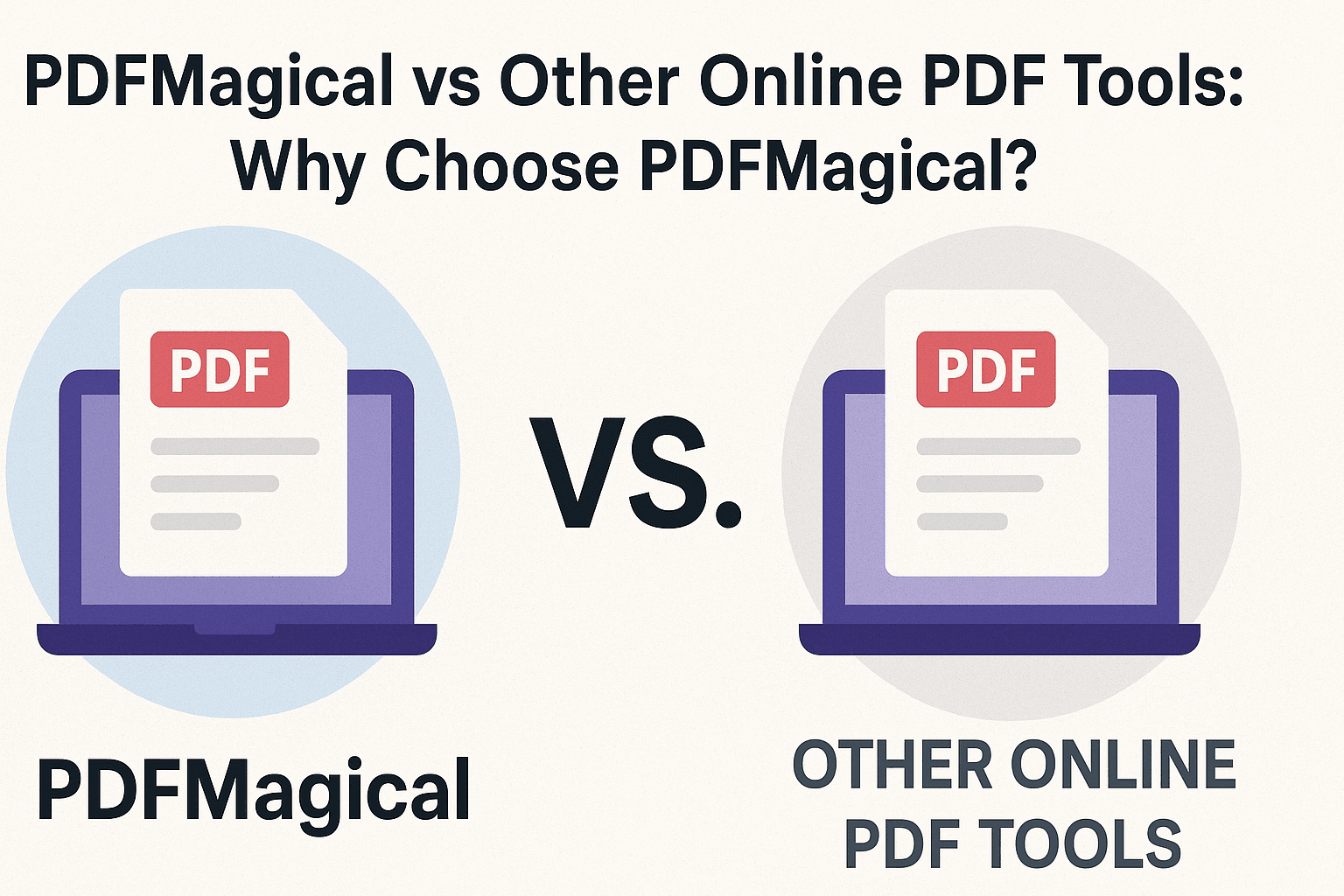
PDFMagical vs Other Online PDF Tools: Why Choose PDFMagical?
Compare PDFMagical with other online PDF tools. Discover why PDFMagical stands out with its comprehensive features, user-friendly interface, and commitment to privacy and quality.
Share this article
PDFMagical vs Other Online PDF Tools: Why Choose PDFMagical?
With so many online PDF tools available, choosing the right one can be overwhelming. While there are several options in the market, PDFMagical stands out as a comprehensive, user-friendly, and reliable solution. This comparison will help you understand why PDFMagical is the best choice for all your PDF needs.
Why PDFMagical is the Superior Choice
PDFMagical offers a complete PDF solution that combines powerful features, intuitive design, and uncompromising privacy. Here's what makes it the best online PDF tool available today.
Comprehensive Tool Suite
PDFMagical: All-in-One Solution
PDFMagical provides a complete range of PDF tools in one platform:
Document Management:
- Merge PDF – Combine multiple PDFs seamlessly
- Split PDF – Extract pages or split by ranges
- Organize PDF – Reorder, delete, or add pages
- Compress PDF – Reduce file size while maintaining quality
- Rotate PDF – Fix page orientations easily
Conversion Tools:
- Word to PDF / PDF to Word
- PowerPoint to PDF / PDF to PowerPoint
- JPG to PDF / PDF to JPG
- Excel to PDF (coming soon)
- HTML to PDF (coming soon)
Security & Protection:
- Protect PDF – Add password encryption
- Unlock PDF – Remove password protection
- Sign PDF – Digital signatures made easy
Editing Features:
- Edit PDF – Full-featured browser-based editor
- Add text, shapes, signatures, highlights
- Annotate and mark up documents
Advanced Tools:
- Watermark PDF (coming soon)
- Page Number PDF (coming soon)
- OCR PDF (coming soon)
- Repair PDF (coming soon)
Other Tools: Limited Functionality
Many competitors offer only basic features:
- Limited to 2-3 tools (usually merge, split, compress)
- Separate tools for each function
- Inconsistent user experience across tools
- Missing advanced features like editing and signing
Winner: PDFMagical – Complete solution vs. fragmented tools
User Experience & Interface
PDFMagical: Intuitive and Modern
- Clean, Modern Design – Beautiful, easy-to-navigate interface
- Consistent Experience – All tools work the same way
- Mobile-Friendly – Works perfectly on phones and tablets
- Fast Loading – Quick access to all tools
- No Clutter – Focused on what you need
- Visual Feedback – Clear progress indicators and status updates
Other Tools: Often Cluttered
- Complex interfaces with too many options
- Inconsistent design across different tools
- Poor mobile experience
- Slow loading times
- Confusing navigation
Winner: PDFMagical – Superior user experience
Privacy & Security
PDFMagical: Your Privacy Matters
- Secure Processing – Files processed securely
- Automatic Deletion – Files deleted after processing
- No Data Storage – Your documents never stored permanently
- Client-Side Processing – Many tools work entirely in your browser
- No Registration Required – Use tools without creating accounts
- Transparent Privacy Policy – Clear commitment to user privacy
Other Tools: Privacy Concerns
- Files may be stored on servers
- Registration often required
- Data retention policies unclear
- Third-party data sharing concerns
- Limited transparency about privacy practices
Winner: PDFMagical – Uncompromising privacy protection
Quality & Performance
PDFMagical: High-Quality Results
- Quality Preservation – Maintains original document quality
- Fast Processing – Quick conversion times
- Reliable Output – Consistent, accurate results
- No Watermarks – Clean output without branding
- Format Preservation – Layouts, fonts, and formatting maintained
- Batch Processing – Handle multiple files efficiently
Other Tools: Variable Quality
- Quality loss in some conversions
- Watermarks on free versions
- Slow processing times
- Inconsistent results
- Formatting issues
Winner: PDFMagical – Superior quality and performance
Cost & Value
PDFMagical: Free and Accessible
- Completely Free – All tools available at no cost
- No Hidden Fees – Transparent pricing (free)
- No Premium Tiers – Full access to all features
- No Watermarks – Professional results without branding
- No File Size Limits – Process files of any size
- No Daily Limits – Use as much as you need
Other Tools: Often Limited
- Free versions with watermarks
- Premium subscriptions required for full features
- File size limitations on free plans
- Daily usage limits
- Paywalls for advanced features
Winner: PDFMagical – Best value (completely free)
Feature Comparison
Core Features
| Feature | PDFMagical | Other Tools | |---------|-----------|-------------| | Merge PDF | ✅ | ✅ | | Split PDF | ✅ | ✅ | | Compress PDF | ✅ | ✅ | | Convert Formats | ✅ Multiple | ⚠️ Limited | | Edit PDF | ✅ Full Editor | ❌ Basic Only | | Protect/Unlock | ✅ | ⚠️ Some | | Sign PDF | ✅ | ❌ Rare | | Organize Pages | ✅ | ⚠️ Limited | | Rotate PDF | ✅ | ✅ | | No Watermarks | ✅ | ❌ Often | | Mobile Friendly | ✅ | ⚠️ Varies | | Free Access | ✅ Complete | ⚠️ Limited |
Winner: PDFMagical – More comprehensive features
Ease of Use
PDFMagical: Simple and Straightforward
- One-Click Access – Tools available immediately
- Drag & Drop – Easy file upload
- Clear Instructions – Step-by-step guidance
- Visual Previews – See results before downloading
- No Learning Curve – Intuitive for all users
- Helpful Tooltips – Guidance when you need it
Other Tools: Can Be Complex
- Confusing interfaces
- Multiple steps required
- Technical jargon
- Steep learning curve
- Limited help or guidance
Winner: PDFMagical – Easiest to use
Reliability & Support
PDFMagical: Dependable Service
- Consistent Uptime – Reliable service availability
- Regular Updates – Continuous improvements
- Bug Fixes – Quick response to issues
- User Feedback – Actively listens to users
- Growing Platform – New features added regularly
Other Tools: Variable Reliability
- Occasional downtime
- Slow updates
- Limited support
- Abandoned features
- Inconsistent service
Winner: PDFMagical – More reliable and responsive
Why Users Choose PDFMagical
1. Complete Solution
PDFMagical is the only tool you need for all PDF tasks. No need to switch between different websites or services.
2. Free Without Limits
Unlike competitors, PDFMagical offers everything for free with no restrictions, watermarks, or hidden costs.
3. Privacy First
Your documents are processed securely and deleted automatically. Your privacy is protected.
4. Professional Quality
Get professional results every time. No watermarks, no quality loss, no compromises.
5. Easy to Use
Beautiful, intuitive interface that anyone can use. No technical knowledge required.
6. Always Improving
PDFMagical continuously adds new features and improvements based on user needs.
Real-World Use Cases
Business Professionals
PDFMagical helps you:
- Merge reports and presentations
- Convert documents between formats
- Protect sensitive documents
- Sign contracts digitally
- Organize project documents
Students
Perfect for:
- Combining lecture notes
- Converting assignments to PDF
- Compressing large files for submission
- Organizing study materials
- Creating professional presentations
Personal Use
Great for:
- Managing household documents
- Converting photos to PDF
- Organizing receipts and bills
- Creating photo albums
- Sharing documents with family
The PDFMagical Advantage
What Sets PDFMagical Apart
- Comprehensive – More tools than any competitor
- Free – No cost, no limits, no watermarks
- Private – Your files, your privacy, protected
- Quality – Professional results every time
- Simple – Easy to use, no learning curve
- Reliable – Consistent, dependable service
- Modern – Beautiful, responsive design
- Growing – Continuously improving
Making the Switch
If you're currently using other PDF tools, here's why you should switch to PDFMagical:
- Save Time – One platform for all PDF needs
- Save Money – Completely free, no subscriptions
- Better Results – Higher quality output
- More Privacy – Better protection of your documents
- Easier Workflow – Simpler, more intuitive interface
Conclusion: Why PDFMagical Wins
When comparing PDFMagical with other online PDF tools, the choice is clear. PDFMagical offers:
✅ More Features – Comprehensive tool suite ✅ Better Quality – Professional results without watermarks ✅ Complete Privacy – Secure processing and automatic deletion ✅ Easier to Use – Intuitive, modern interface ✅ Completely Free – No limits, no subscriptions ✅ More Reliable – Consistent, dependable service
While other tools may offer one or two of these benefits, only PDFMagical delivers all of them in one platform. Whether you're a business professional, student, or casual user, PDFMagical is the best choice for all your PDF needs.
Try PDFMagical today and experience the difference. It's free, it's powerful, and it's designed with you in mind.
Try These Tools
Related Articles
How to Merge PDF Files Online: A Complete Guide
Learn how to combine multiple PDF documents into a single file using free online tools. Step-by-step guide with tips and best practices.
Read more
How to Compress PDF Files and Reduce File Size
Discover effective methods to compress PDF files and reduce their size without losing quality. Learn about different compression levels and when to use them.
Read more
PDF vs Word: When to Use Each Format
Understand the differences between PDF and Word formats, and learn when to use each for maximum efficiency in your document workflow.
Read moreComments (0)
No comments yet. Be the first to comment!
Note: Some comments are pre-loaded examples. Your comments are stored locally in your browser and won't be visible to other users.