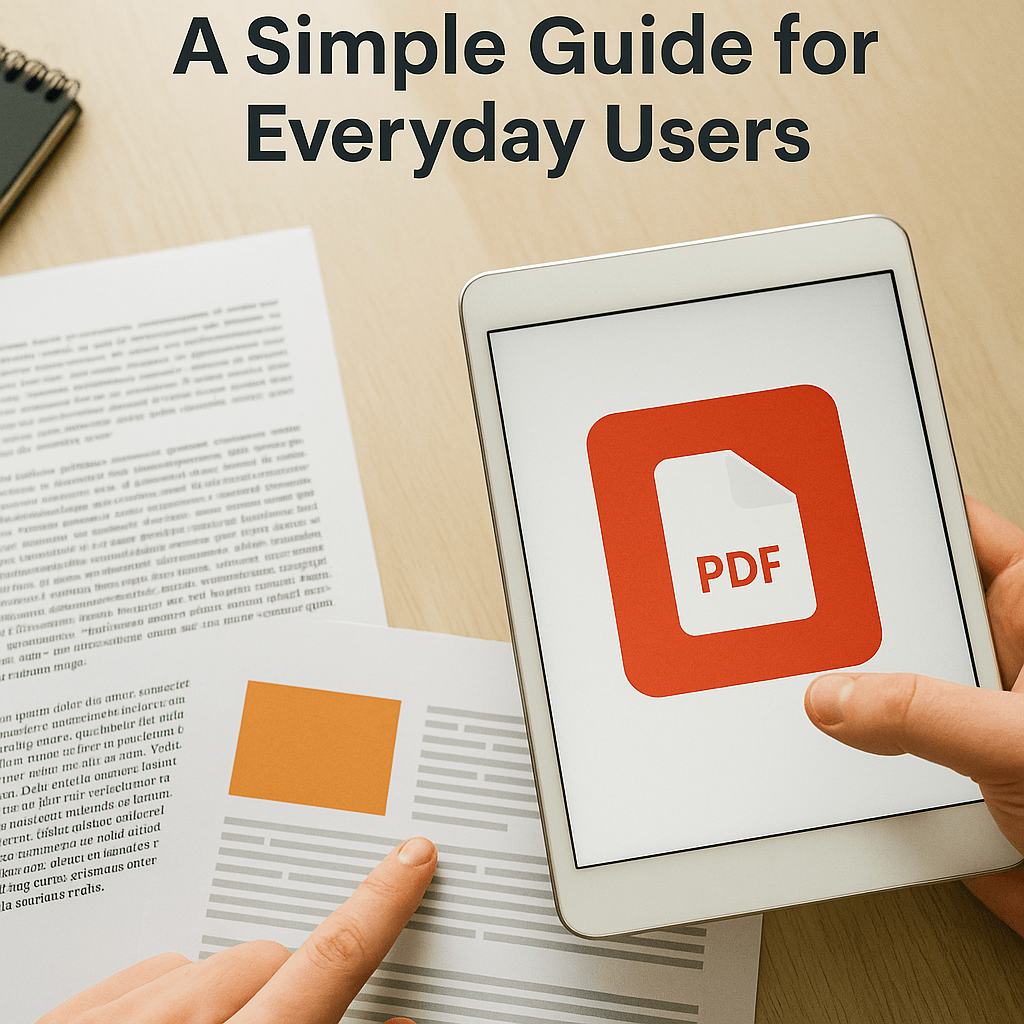
What Is a PDF File? A Simple Guide for Everyday Users
Learn what a PDF file is, how it works, and why it is the most popular format for sharing documents securely and reliably.
Share this article
What Is a PDF File? A Simple Guide for Everyday Users
You see PDF files everywhere—on resumes, bills, e‑books, bank statements, forms, and school notes. But what exactly is a PDF, and why does everyone use it?
In this guide, we’ll explain PDFs in simple language so you understand how they work and when to use them in your daily life.
What Does PDF Mean?
PDF stands for Portable Document Format. It was created in the early 1990s so people could share documents that look the same on every device—no matter which computer, phone, or operating system is used.
When you save a file as a PDF, the text, fonts, images, and layout are locked in. That means:
- Your resume or invoice will look identical on Windows, Mac, Android, iOS, or in a browser.
- Line breaks, page breaks, and fonts do not shift around.
- The file is ready for printing or professional sharing.
How Does a PDF Store a Document?
Inside a PDF, the document is described using a page description model. This can include:
- Vector graphics – shapes, lines, and logos that stay sharp at any zoom level.
- Raster images – photos or scanned pages.
- Text – stored with fonts so it displays correctly everywhere.
- Metadata – title, author, keywords, and other hidden information about the file.
Because everything is bundled together, a single PDF file contains everything needed to display the document correctly, even if the viewer doesn’t have the original fonts or design software installed.
Useful Features of PDF Files
Modern PDFs can do much more than just show text and images. Depending on the file, you might find:
- Clickable links and buttons
- Fillable forms (for applications, registrations, etc.)
- Comments and annotations for reviewing documents
- Bookmarks and table of contents for easier navigation
- Embedded files like images, videos, or attachments
- Digital signatures and encryption for security and verification
These features make PDF a powerful format for both business and personal use.
Why Is PDF So Popular?
PDF became a global standard because it solves several common problems:
- Consistency: The layout never changes when opened on another device.
- Professional look: Great for official documents like contracts, invoices, reports, and certificates.
- Security options: You can add passwords, restrict printing or editing, and sign documents digitally.
- Long‑term archiving: Standardized versions like PDF/A are designed for keeping records for years in a stable, reliable format.
For these reasons, many governments, companies, and organizations prefer PDFs for official communication.
Common Ways You Use PDFs
Here are a few everyday situations where PDFs are ideal:
- Sending a resume or CV so the layout stays perfect.
- Sharing bills, receipts, or invoices with customers.
- Downloading e‑books or manuals from websites.
- Filling out application or registration forms online.
- Exchanging signed contracts without needing to print and scan.
Whenever you need a file that looks polished and doesn’t change, PDF is usually the best choice.
Working With PDFs Online
Even though PDFs were once mainly for viewing and printing, today you can easily edit and convert them online. With tools like PDFMagical, you can:
- Convert Word, PowerPoint, JPG, and more to PDF
- Turn a PDF back into Word or PowerPoint for editing
- Merge, split, compress, protect, unlock, and sign PDF files
This means you can manage your documents completely in the browser—no heavy software required.
Final Thoughts
To sum up, a PDF is a portable, reliable, and professional document format that keeps your content looking exactly how you designed it. It can handle text, images, links, forms, security, and more, all in a single file.
Once you understand what a PDF is and why it exists, it becomes much easier to choose the right tool—whether you’re converting, editing, signing, or simply sharing a document online.
Try These Tools
Related Articles
How to Merge PDF Files Online: A Complete Guide
Learn how to combine multiple PDF documents into a single file using free online tools. Step-by-step guide with tips and best practices.
Read more
How to Compress PDF Files and Reduce File Size
Discover effective methods to compress PDF files and reduce their size without losing quality. Learn about different compression levels and when to use them.
Read more
PDF vs Word: When to Use Each Format
Understand the differences between PDF and Word formats, and learn when to use each for maximum efficiency in your document workflow.
Read moreComments (0)
No comments yet. Be the first to comment!
Note: Some comments are pre-loaded examples. Your comments are stored locally in your browser and won't be visible to other users.