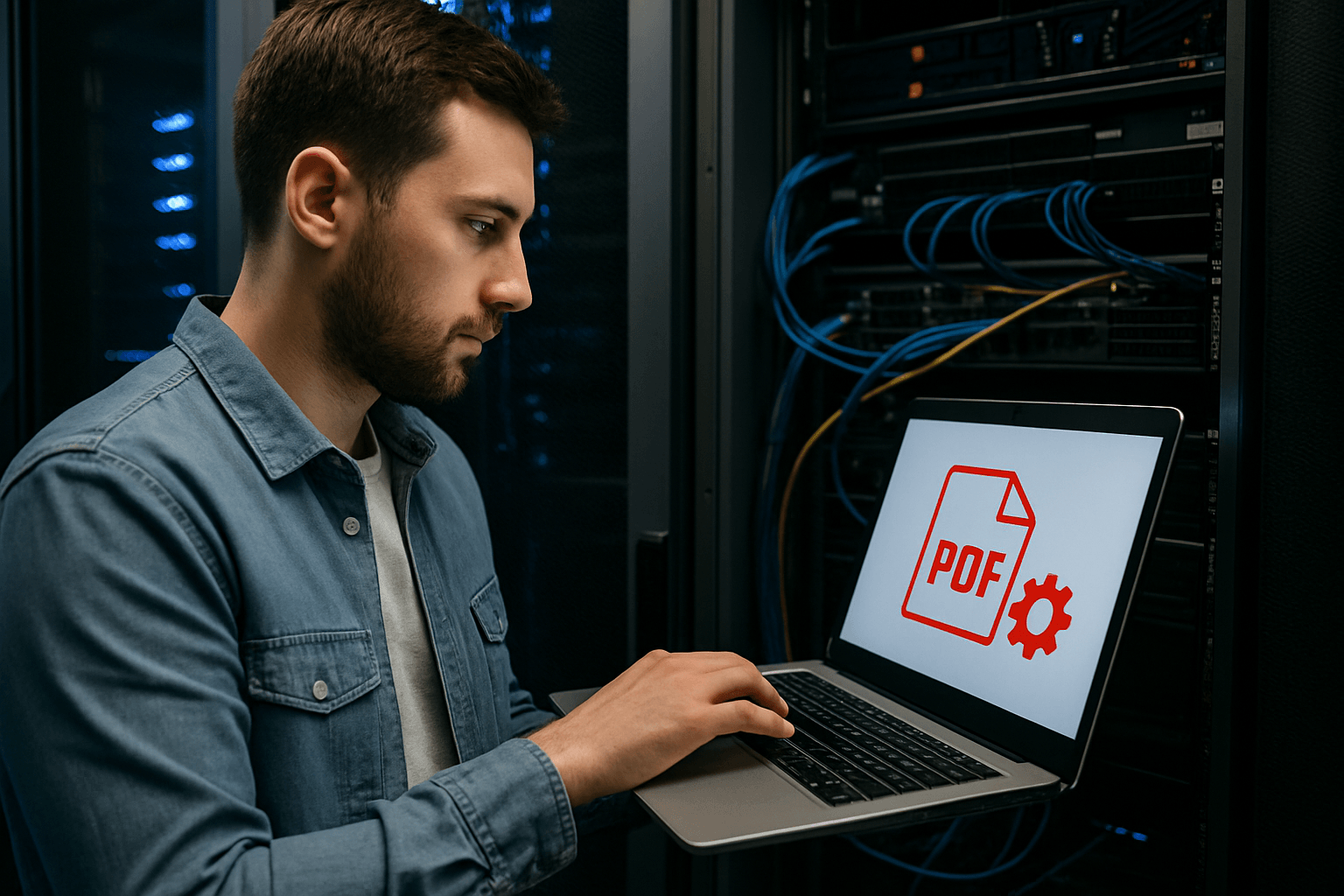
Behind the Scenes: How PDFMagical Processes Files in Seconds
Ever wonder how PDFMagical handles your PDF files so quickly? Get an inside look at the technology and processes that make lightning-fast PDF processing possible.
Share this article
Behind the Scenes: How PDFMagical Processes Files in Seconds
You upload a PDF, click a button, and boom—your file is processed in seconds. It seems like magic, right? But there's actually a lot happening behind the scenes to make that speed possible.
I've had a lot of people ask me how we manage to process PDFs so fast, especially when other tools take forever. So I figured I'd pull back the curtain and show you what's really going on.
The Speed Challenge
Let's be honest—nobody wants to wait around for their PDF to process. You've got things to do, deadlines to meet, and the last thing you need is to sit there watching a progress bar crawl along.
That's why speed matters. When we built PDFMagical, we made sure that processing files quickly was a top priority. But speed without quality is useless, so we had to figure out how to do both.
How We Make It Fast
1. Smart File Handling
The first thing that happens when you upload a file is we analyze it. Not the whole thing at once—that would be slow. Instead, we look at the structure first. We check what type of PDF it is, how many pages it has, and what kind of content is inside.
This initial scan takes milliseconds, but it tells us everything we need to know about how to process your file most efficiently. It's like checking the ingredients before you start cooking—you want to know what you're working with.
2. Parallel Processing
Here's where it gets interesting. Instead of processing your PDF step by step (which is slow), we break it down into chunks and process multiple parts at the same time.
Think of it like this: if you had to read 100 pages, you could read them one at a time, or you could have 10 people each read 10 pages simultaneously. The second way is way faster, right? That's basically what we do with your PDF.
3. Optimized Algorithms
We're not just throwing more power at the problem—we're using algorithms that are specifically designed for speed. These aren't the same algorithms you'd find in desktop software that was built 10 years ago.
We've spent a lot of time fine-tuning how we compress, merge, split, and convert PDFs. Every operation has been optimized to be as fast as possible without sacrificing quality.
4. Cloud Infrastructure
This is probably the biggest factor in our speed. We run everything on cloud servers that are built for this kind of work. These aren't your average servers—they're optimized for processing files quickly.
When you upload a file, it goes to a server that's close to you geographically (this reduces upload time). Then that server processes your file using multiple CPU cores simultaneously. The whole thing is designed to be fast from start to finish.
5. Caching and Pre-processing
For common operations, we've got some tricks up our sleeve. If you're doing something we've seen before (like compressing a standard resume PDF), we can use optimized settings we know work well.
We also pre-process certain file types. If we can tell what kind of PDF you're uploading just from the first few bytes, we can start processing it before you've even finished uploading.
What Happens When You Upload a File
Let me walk you through exactly what happens when you upload a PDF:
Step 1: Upload (1-3 seconds) Your file gets uploaded to our servers. We use chunked uploading, which means your file gets broken into small pieces and sent simultaneously. This is way faster than sending the whole file at once.
Step 2: Analysis (under 1 second) We scan your file to understand its structure. How many pages? What's the file size? Are there images? This happens almost instantly.
Step 3: Processing (2-10 seconds depending on file size) This is where the magic happens. We process your file using parallel processing. Multiple parts of your PDF get worked on at the same time, which is why it's so fast.
Step 4: Quality Check (under 1 second) Before we give you the final file, we make sure everything looks good. We verify the file structure, check that all pages are there, and ensure the quality meets our standards.
Step 5: Download Ready (instant) Your processed file is ready to download. The whole thing usually takes less than 10 seconds for most files.
Why Other Tools Are Slower
You might be wondering why other PDF tools take so much longer. Here's the thing—most of them are using older technology or processing files sequentially (one step at a time).
Some tools also do more processing than necessary. They might compress images that don't need compressing, or they might process the entire file when they only need to work on specific parts.
We've optimized every step of the process. If something doesn't need to be done, we skip it. If something can be done faster, we do it faster.
The Technology Stack
I won't bore you with too many technical details, but here's the basics of what we're using:
- Modern PDF libraries that are built for speed
- Cloud computing with auto-scaling (so we can handle more files when needed)
- Optimized file formats for faster processing
- Efficient algorithms that minimize unnecessary operations
All of this works together to make sure your files get processed as quickly as possible.
Real-World Speed Examples
Let me give you some real examples of how fast things actually are:
Small PDF (1-2 pages, under 1MB)
- Upload: 1-2 seconds
- Processing: 1-2 seconds
- Total: 2-4 seconds
Medium PDF (5-10 pages, 2-5MB)
- Upload: 2-3 seconds
- Processing: 3-5 seconds
- Total: 5-8 seconds
Large PDF (20+ pages, 10MB+)
- Upload: 3-5 seconds
- Processing: 5-10 seconds
- Total: 8-15 seconds
These times can vary based on your internet connection and the complexity of your PDF, but these are pretty typical.
Quality vs Speed
One thing people sometimes worry about is whether speed means we're sacrificing quality. The answer is no—we're just doing things more efficiently.
We don't skip steps or cut corners. We just do things in a smarter order and process multiple things at once. The end result is the same quality, just delivered faster.
What Makes a File Process Faster or Slower
Not all files process at the same speed. Here's what affects processing time:
Faster processing:
- Smaller file sizes
- Fewer pages
- Simple PDFs (mostly text)
- Standard PDF formats
Slower processing:
- Very large files (50MB+)
- Lots of high-resolution images
- Complex PDFs with layers and annotations
- Non-standard PDF formats
Even with slower files, we're still usually faster than most other tools because of how we process things.
Security and Speed
I know some people worry that fast processing means we're not being careful with security. That's not the case at all.
We process files quickly, but we still do all the security checks. We scan for malware, verify file integrity, and make sure everything is safe. We just do it efficiently so it doesn't slow things down.
Your files are processed in isolated environments, and they're automatically deleted after processing. We take security seriously, even when we're moving fast.
The Future of PDF Processing
We're always working on making things even faster. Right now, we're experimenting with:
- Machine learning to predict the best processing method for each file
- Even more efficient compression algorithms
- Better parallel processing techniques
- Smarter caching systems
The goal is to make PDF processing so fast that you don't even think about it. Just upload, process, download—done.
Tips for Faster Processing
Want to make sure your files process as quickly as possible? Here are some tips:
- Keep file sizes reasonable - Smaller files process faster
- Use standard PDF formats - Non-standard formats take longer
- Simplify complex PDFs - Remove unnecessary layers and annotations
- Compress before other operations - If you're going to do multiple things, compress first
These aren't requirements—we'll process any PDF you throw at us. But following these tips will make things even faster.
The Bottom Line
So how do we process files in seconds? It's a combination of:
- Smart file handling and analysis
- Parallel processing (doing multiple things at once)
- Optimized algorithms built for speed
- Powerful cloud infrastructure
- Efficient workflows that skip unnecessary steps
All of this works together to make PDF processing fast without sacrificing quality or security.
The next time you upload a file and it processes in seconds, you'll know what's happening behind the scenes. It's not magic—it's just really good engineering.
Want to see the speed for yourself? Try processing a PDF and see how fast it goes. Most files are done in under 10 seconds, and many are done in just a few seconds.
Common Questions
Q: Why is my file taking longer than usual? A: It could be because your file is very large, has lots of images, or your internet connection is slow. Most files still process in under 15 seconds even in these cases.
Q: Does faster processing mean lower quality? A: No. We just do things more efficiently. The quality is the same as slower tools, we just get there faster.
Q: How do you handle so many files at once? A: Our cloud infrastructure automatically scales up when there's more demand. More files just means more servers working on them.
Q: Is my file secure during processing? A: Yes. Files are processed in isolated environments and automatically deleted after processing. We take security seriously.
Q: Can you make it even faster? A: We're always working on it! We're constantly optimizing and improving our processing speed.
Try These Tools
Related Articles
How to Merge PDF Files Online: A Complete Guide
Learn how to combine multiple PDF documents into a single file using free online tools. Step-by-step guide with tips and best practices.
Read more
How to Compress PDF Files and Reduce File Size
Discover effective methods to compress PDF files and reduce their size without losing quality. Learn about different compression levels and when to use them.
Read more
PDF Split and Merge: How Desktop Tools Help You Manage PDF Pages
Understand how desktop PDF split and merge tools work, when to use them instead of online services, and what features to look for.
Read moreComments (0)
No comments yet. Be the first to comment!
Note: Some comments are pre-loaded examples. Your comments are stored locally in your browser and won't be visible to other users.